
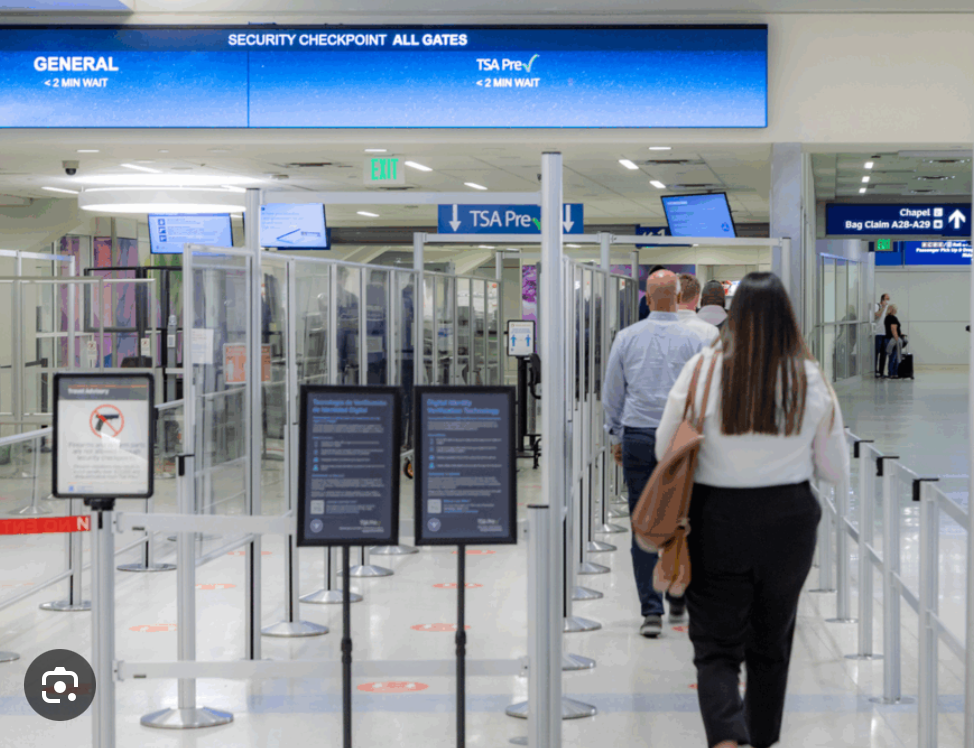
If you have a U.S. passport and are traveling in the U.S., here’s something new worth checking out. Apple has started rolling out a feature that lets you add your U.S. passport into Apple Wallet as a Digital ID for in-person identity checks at domestic airport security points in over 250 TSA checkpoints across the country. This is a valid option if you don’t yet have a REAL ID-compliant Driver’s License.
What It Is
 You can now use your iPhone or Apple Watch to verify your identity at select domestic airport checkpoints.
- The setup uses the passport’s chip plus a facial verification process to confirm that the passport is really yours.
- Your Digital ID then sits in Apple Wallet, ready to present at the TSA Checkpoint using Face ID or Touch ID.
What It Isn’t
- It does not replace your physical passport for international travel.
- It won’t work at every airport yet, since rollout is still expanding.
How to Set It Up
- Make sure your iPhone is running iOS 26.1 or later (or Apple Watch Series 6 with watchOS 26 or later if you’ll be using your Apple Watch).
- Open Apple Wallet, tap the plus sign, choose Driver’s License or ID Cards, then select Digital ID. (Note: You have to have two-factor authentication turned on.)
- Scan your passport’s photo page and let your phone read the chip embedded in the back of the page.
- Follow the prompts to verify your identity with a selfie and simple head movements.
- Once approved, your Digital ID appears in your Wallet.
- At TSA, double-click the side button if you have Face ID, or double-click the Home button if you have Touch ID. Select your Digital ID. Then hold the top of your phone (or the display of your Apple Watch) near the identity reader, and approve the information request.
Is It Safe?
Apple designed this feature to keep your passport details protected. Your Digital ID is encrypted on your device and not stored on Apple’s servers or in iCloud. Only you can unlock it using Face ID, Touch ID, or your passcode. When you present it at a checkpoint, the device only shares the information you approve, nothing more. If you lose your phone, the encrypted passport data stays locked and unreadable.
- It means less digging through bags or wallets at airport security.
- It can speed up domestic travel if your airport supports it.
- It works especially well for anyone already using Apple Wallet for boarding passes.
A Few Things to Keep in Mind
- Always carry your physical passport if you might travel internationally or need it for non-airport uses.
- Even though rollout is for 250+ airports, not every checkpoint may support it yet, so check ahead or carry a RealID card just in case.
- Setup may take a few minutes, especially the chip read step. So be sure to test ahead of your travel day. Some users report needing a few tries.
- Device security is key: use Face ID/Touch ID (or a strong passcode), keep your device locked, and avoid sharing your device.