
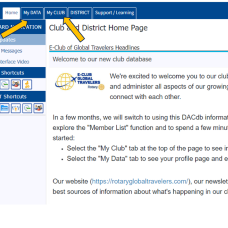
DACdb (District and Club database) is our club’s new software. It helps our leadership team manage the club. And it provides our members with great tools to connect with each other, access our calendar, and report engagement in club activities.
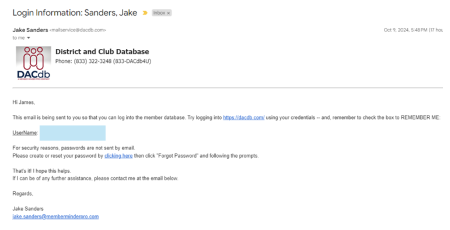
As a club member, you will receive an email like the one in the image inviting you to log on and set your password. Just click on the link in the email to get started.
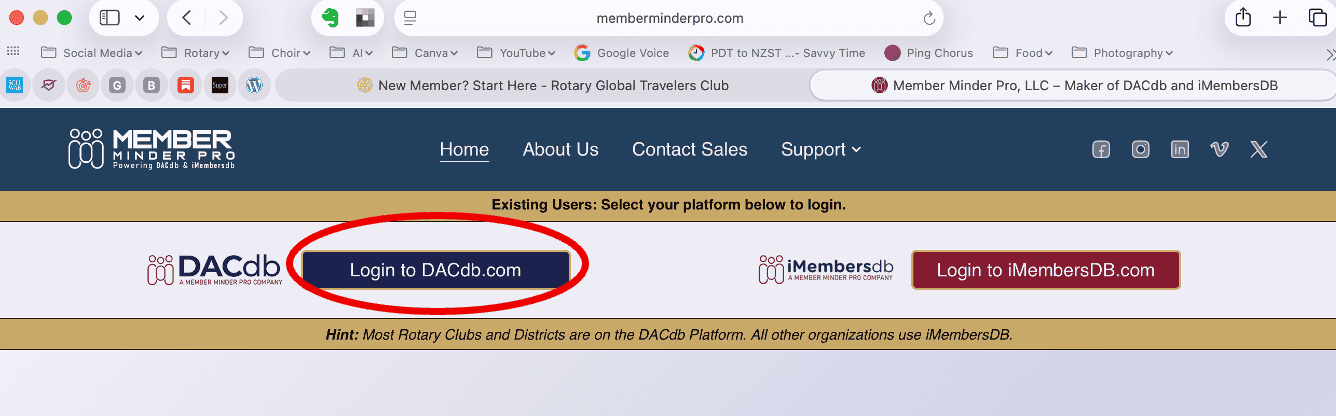
On the first screen, click Login to DACdb.com on the left side of the page. This will take you to the login screen.
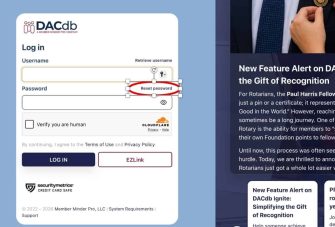
On the DACdb login screen, click the “Forgot / reset Password” button.
You’ll get a “Reset Password” pop-up. Enter the user name from the email that you received.
- If you are a Full member of our club, it will normally be your email address.
- If you are an Associate member of our club, it will be first initial last name (jheidelberg). We use this because you might already be using DACdb with your email address for your primary club.
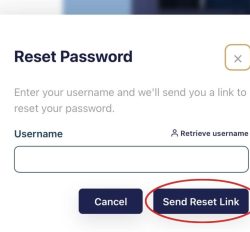
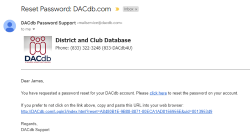
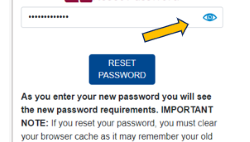
You’ll receive an email with a link to reset your password. Click that link to get to the DACdb password reset screen. Type the password you want (something memorable but not obvious). Note that you can click the little eye in the upper right to display the password you’ve typed.
Click Reset Password, and voila! Now that you’ve set up your log-in credentials, you’re ready to go.
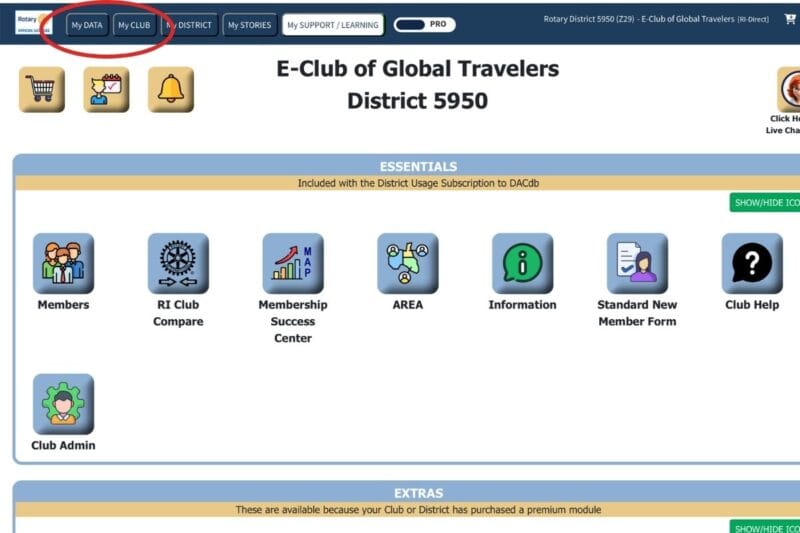
When you sign in, you’ll arrive at our club’s home page. From here, you can look at your profile (“My Data” tab) and update your profile information.
You can also use the “My Club” tab to find other club members, see our calendar, and explore club committees.
Enjoy exploring our new database. Don’t worry about breaking things. You can’t!